When talking about AI tools for teachers in 2026, artificial intelligence is changing how educators prepare lessons, create learning materials, assess student progress and manage classroom responsibilities. Teachers can use AI to generate worksheets, develop quizzes, simplify difficult concepts and adapt activities for different learning levels. Used thoughtfully, these tools can reduce preparation time and leave more room for meaningful interaction with students.
Teaching involves much more than delivering a lesson. Educators also prepare assignments, review work, communicate with parents and support students who learn at different speeds. Across India and the USA, AI-powered education tools are becoming useful assistants for these responsibilities. The goal is to support teachers, not replace their experience, creativity or understanding of their students.
Advantages of AI Tools for Teachers
Teachers often repeat similar preparation tasks across different classes and subjects. AI can help create first drafts of educational materials and adapt them to specific learning objectives.
- Faster lesson planning and preparation
- Easier creation of quizzes and worksheets
- Personalized learning materials
- Support for differentiated instruction
- More engaging presentations and classroom activities
- Faster drafting of feedback and parent communications
- Reduced repetitive administrative work
| Teaching Task | How AI Can Help |
|---|---|
| Lesson planning | Generate lesson outlines and learning objectives |
| Assessments | Draft quizzes, questions and rubrics |
| Worksheets | Create practice activities at different levels |
| Presentations | Design visual teaching materials |
| Student support | Explain difficult concepts in different ways |
| Communication | Draft parent emails and classroom updates |
AI is most useful when teachers review the output, connect it to their curriculum and adapt it to the real needs of their students.
Below are the best AI tools for teachers in 2026 & beyond –
1. MagicSchool AI
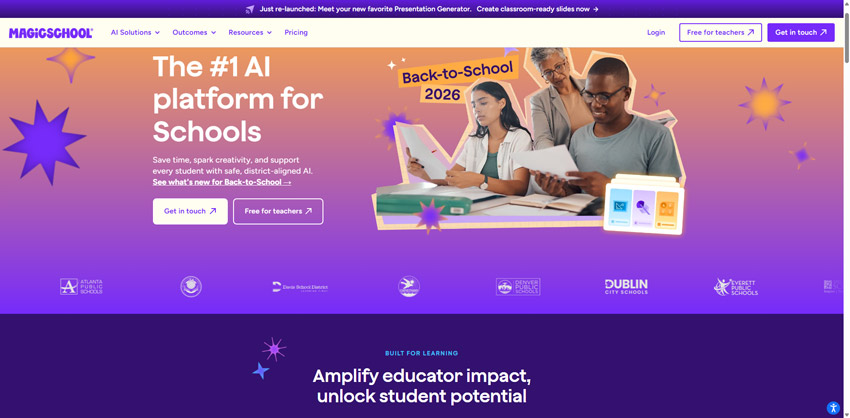
MagicSchool AI is an education-focused platform designed to help teachers with lesson planning, differentiated instruction, assessment creation and classroom communication. Its collection of teacher tools can assist with activities such as generating lesson outlines, creating questions, developing rubrics and adapting educational content for different learners.
For teachers, this can make preparation more manageable. An educator can start with a topic and learning objective, generate a draft lesson or worksheet, and then adjust the material to suit the class. This is particularly useful when teaching several grades or preparing different activities for students with varying levels of understanding.
MagicSchool also emphasizes school-focused safety and offers integrations with platforms such as Google Classroom and Canvas. Its main advantage is bringing multiple teaching-related AI tasks together instead of requiring teachers to start from scratch for every activity. Educators should still check the accuracy, suitability and difficulty of generated content before using it in class.
Website Link – https://www.magicschool.ai/
2. Google Gemini for Education
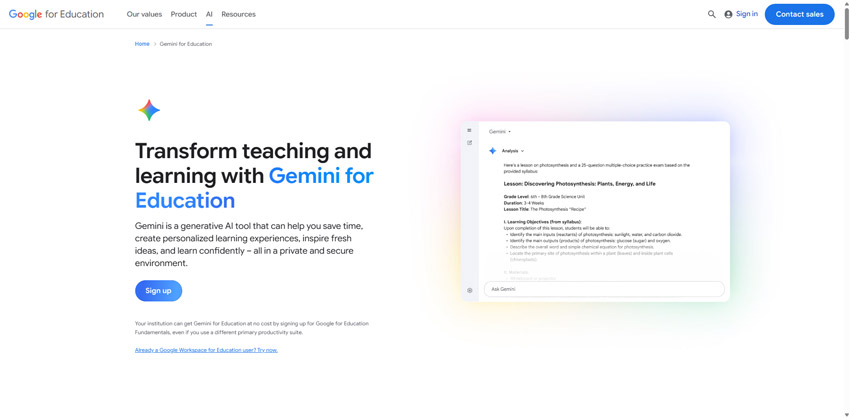
Google Gemini for Education is an AI assistant designed to support teaching, learning and school administration. It can help teachers brainstorm lesson ideas, create assessments, develop learning materials, summarize information and draft communications. Google also offers education-focused features within Google Classroom and its wider education ecosystem.
For example, a teacher preparing a science lesson can ask Gemini to suggest learning objectives, create practice questions and explain a complex topic at different reading levels. Teachers can then refine the material to match their syllabus, classroom context and students’ abilities.
Its integration with Google’s education tools can be particularly helpful for schools already using Google Workspace. Google describes Gemini for Education as providing education-focused privacy protections, although available features depend on the account and institutional setup. Teachers should verify generated facts and follow their school’s rules for student information and AI use.
Website Link – https://edu.google.co.in/ai/gemini-for-education/
3. Khanmigo
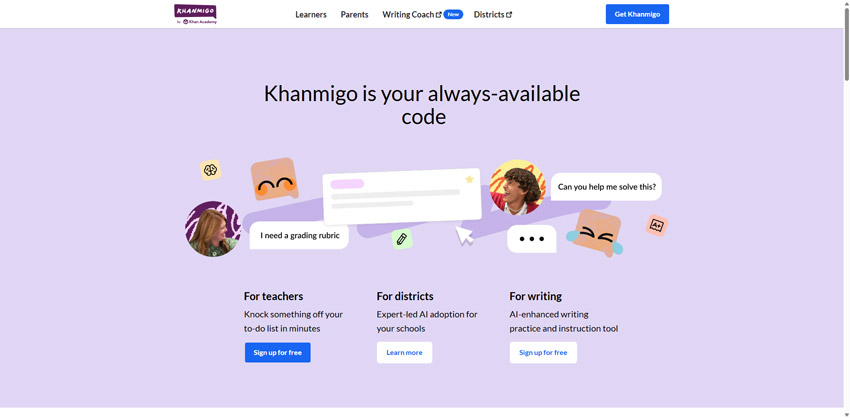
Khanmigo is an AI-powered teaching assistant and learning tutor developed by Khan Academy. It is designed to support educators with classroom preparation and give learners guided help with academic concepts. Rather than focusing only on producing answers, its educational approach can encourage students to work through problems and understand the reasoning behind them.
Teachers can use Khanmigo to support lesson preparation, explore different ways of explaining a concept and develop learning activities. Students can also receive guided practice in subjects such as mathematics, writing and other academic areas, depending on the available features.
This makes it useful for educators who want to encourage independent thinking rather than simply provide students with completed answers. AI tutoring works best when it helps students understand the process, while teachers continue to monitor learning and correct misconceptions. Schools and teachers should check account eligibility, availability and applicable student safeguards before adopting it.
Website Link – https://www.khanmigo.ai/
4. Canva for Education
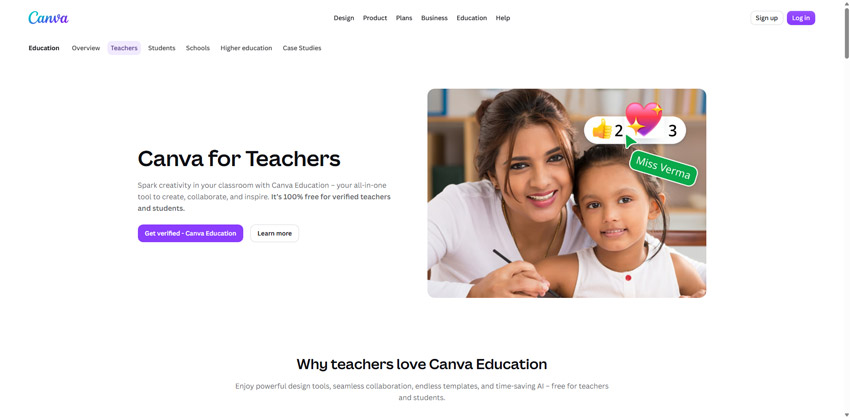
Canva for Education combines visual design tools, classroom resources and AI-assisted content creation. Teachers can use it to create presentations, posters, worksheets, lesson materials, classroom activities and other visual resources. Its AI features can help generate teaching ideas, develop lesson drafts and turn existing materials into more engaging classroom content.
For teachers, visual communication can make a difficult topic easier to introduce. A history teacher might create a timeline, while a science teacher could develop an illustrated presentation or an interactive classroom activity. Canva also supports collaboration, allowing educators and students to work with shared materials.
Canva says its Education offering is free for eligible, verified teachers and students. Its greatest strength is helping teachers turn lesson ideas into clear, engaging visual resources without needing advanced design skills. Teachers should still check images, facts, accessibility and age suitability before sharing materials with students.
Website Link – https://www.canva.com/en_in/education/teachers/
5. Diffit
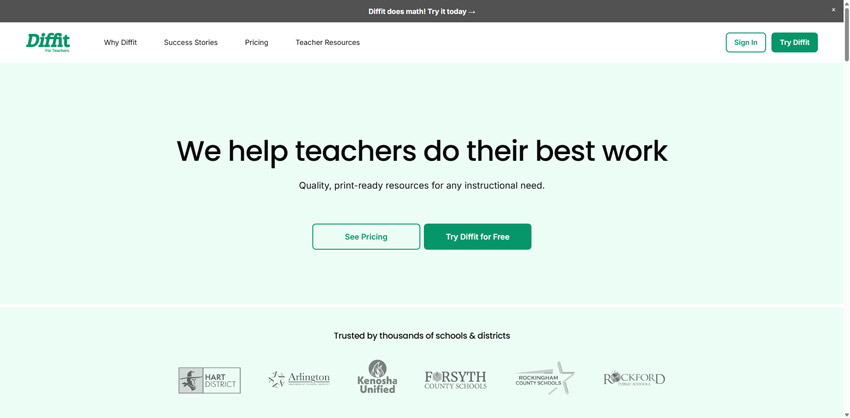
Diffit is an education-focused tool designed to help teachers create and adapt learning resources for different reading levels and classroom needs. It can support the development of reading passages, questions, vocabulary activities and other materials based on a topic or source content.
One of its practical uses is differentiation. A teacher may need to teach the same subject to students who have different reading abilities or levels of prior knowledge. Diffit can help prepare adapted materials so that students can work toward the same learning objective with appropriate levels of support.
This can save preparation time while giving teachers more flexibility in classroom planning. Differentiated materials should remain aligned with the curriculum and learning objectives rather than simply making every task easier or shorter. Teachers should review generated passages, questions and answers for factual accuracy and suitability before assigning them.
Website Link – https://web.diffit.me/
Why Teachers Have to Use AI Tools in 2026
Teachers spend a considerable amount of time planning lessons, preparing assessments, adapting resources and communicating with students and parents. AI can assist with these repetitive activities, giving educators more time to explain concepts, answer questions and provide individual support.
AI can also help teachers approach a topic from different angles. A difficult concept can be explained through an example, a short reading passage, a quiz or a visual presentation. This flexibility can be valuable in classrooms where students have different learning needs.
However, AI adoption should be guided by educational goals rather than trends. Teachers need to consider whether a tool improves learning, saves meaningful time or makes classroom materials more accessible. A useful AI tool should strengthen the teaching process, not add another complicated system to manage.
Student privacy and academic integrity are also important. Teachers should avoid entering identifiable student information into unapproved services and should establish clear expectations about when students may use AI for assignments. Generated content must be checked because AI systems can produce incorrect facts, biased examples or unsuitable explanations.
Conclusion
AI tools for teachers in 2026 can make lesson preparation, assessment creation, classroom design and differentiated instruction more manageable. MagicSchool AI, Google Gemini for Education, Khanmigo, Canva for Education and Diffit offer different ways to support educators, depending on their teaching methods and classroom requirements.
The best choice depends on the task. Teachers who need lesson-planning support may prefer an education-focused assistant, while those creating visual resources may benefit more from Canva. Educators working with different reading levels may find tools such as Diffit useful.
The real value of AI is giving teachers more time to teach, guide and connect with students. When combined with professional judgment, curriculum knowledge and responsible classroom practices, AI can become a useful addition to modern education.
FAQ
Q1. What are AI tools for teachers?
AI tools for teachers are software applications that assist with lesson planning, worksheets, assessments, presentations, student explanations and administrative tasks.
Q2. What is the best AI tool for teachers in 2026?
The best tool depends on the task. MagicSchool AI supports multiple teaching workflows, Gemini for Education helps with lesson preparation, Canva supports visual materials, Khanmigo offers guided learning support, and Diffit helps adapt resources.
Q3. Can AI create lesson plans and worksheets?
Yes. AI tools can generate draft lesson plans, learning objectives, quizzes and worksheets. Teachers should review and adapt them to match their curriculum and students’ needs.
Q4. Are AI tools for teachers free?
Some offer free access or education-specific plans, while other features may require a paid subscription or an eligible school account. Check each provider’s current terms and availability.
Q5. Will AI replace teachers?
AI can assist with preparation, assessment and routine tasks, but it cannot replace the full role of an educator. Teachers remain essential for professional judgment, motivation, classroom relationships and understanding individual students.