AI tools for Instagram Reel creation in 2026 are changing how creators, businesses, influencers, and digital marketing agencies produce short-form videos. From generating video scripts and AI-powered visuals to adding subtitles, editing footage, and creating complete videos from text prompts, these tools can reduce the time and effort required to publish engaging Instagram Reels.
Whether you are a beginner creating your first Reel or a social media manager handling multiple client accounts, AI-powered video tools can simplify different stages of content production. Some tools help generate videos without recording footage, while others improve existing recordings with automatic captions, transitions, background removal, and smart editing features.
You do not need to use every available tool. The right combination depends on whether you create talking-head videos, educational Reels, product promotions, faceless videos, or branded content for businesses.
Advantages of AI Tools for Instagram Reel Creation
Creating Instagram Reels consistently requires more than recording a video. You need ideas, scripts, visuals, editing, subtitles, background music, and an effective presentation.
AI tools can simplify many of these tasks and help creators maintain a consistent publishing schedule.
Here are some important advantages:
- Faster video production: Automate repetitive editing tasks, generate video scenes, and create content more quickly.
- AI script generation: Develop Reel ideas, opening hooks, captions, and short video scripts based on your target audience.
- Automatic subtitles: Generate captions from spoken words and make videos easier to understand without sound.
- Faceless video creation: Produce videos using stock footage, AI-generated visuals, animations, and voiceovers without appearing on camera.
- Professional-looking content: Use templates, transitions, animations, and visual effects to improve presentation.
- Consistent branding: Maintain similar colours, fonts, logos, and visual styles across multiple Reels.
- Content repurposing: Convert longer videos, interviews, webinars, and podcasts into shorter social media clips.
Quick Comparison of AI Tools for Instagram Reel Creation
| AI Tool | Best For | Main Features |
|---|---|---|
| InVideo AI | Creating videos from text prompts | AI video generation, scripts, voiceovers |
| Canva | Branded Instagram Reels | Templates, animations, AI design |
| Instagram Edits | Editing and publishing Reels | Video editing, captions, direct sharing |
| VEED | Online video editing | Automatic subtitles, AI editing, voice tools |
| OpusClip | Converting long videos into Reels | AI clipping, reframing, captions |
Below Are the Best AI Tools for Instagram Reel Creation in 2026 & Beyond
1. InVideo AI
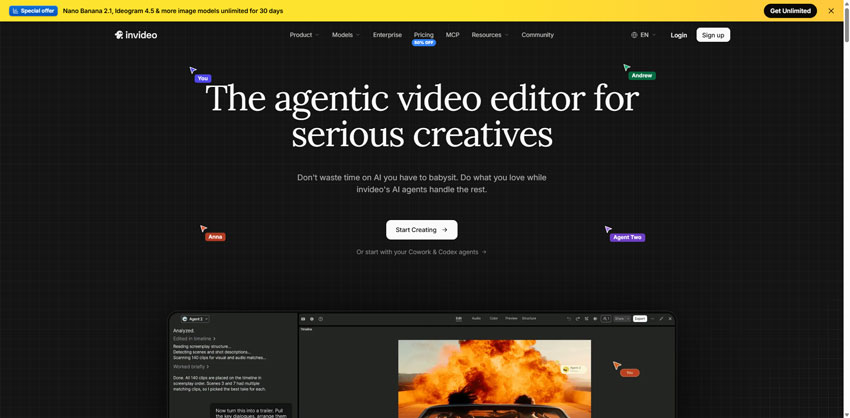
InVideo AI is a useful platform for creators who want to generate videos from written prompts. Instead of manually collecting footage and editing every scene, you can describe your video idea and let the platform create an initial version.
For example, you can enter a prompt such as “Create a 30-second Instagram Reel explaining five benefits of digital marketing for small businesses.” The platform can help develop a script, select relevant visuals, generate voiceovers, and arrange scenes into a video. You can then edit the generated content to match your requirements.
This makes it particularly useful for faceless Instagram Reels, educational videos, product explainers, and promotional content. Businesses can also use it to experiment with different video concepts without recording every scene themselves.
However, AI-generated videos should not be published without reviewing them. Check the accuracy of the script, relevance of the visuals, pronunciation, and overall storytelling. Free access and export allowances may also be limited depending on the current plan.
Best for: Faceless video creators, digital marketers, entrepreneurs, and businesses that want to generate videos from text prompts.
Website Link – https://invideo.io/
2. Canva
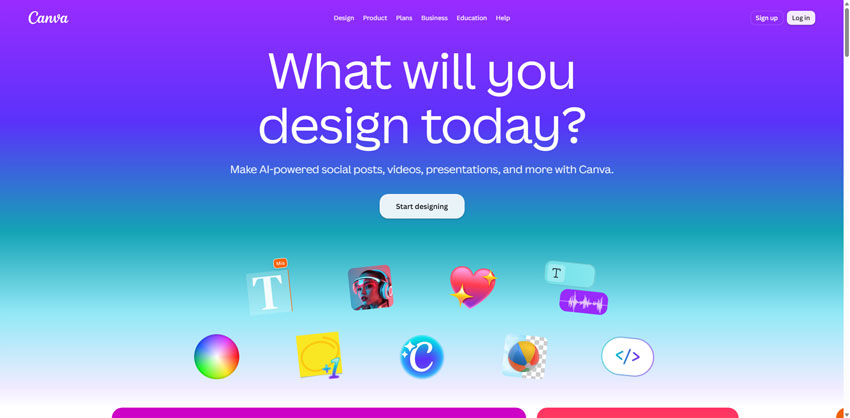
Canva is a popular design platform that also provides video creation and editing features. It is particularly useful for businesses and creators who want to produce visually consistent Instagram Reels without learning complicated video editing software.
You can start with a vertical video template, upload your own clips, add text animations, insert graphics, and include background music. Canva also offers AI-powered features that can assist with content creation, visual generation, and design workflows, depending on your subscription.
For example, a digital marketing agency can create a series of educational Reels using the same brand colours, typography, and logo placement. A business can also produce product showcases, promotional videos, announcements, and short tutorials.
Canva is especially helpful when your Reels contain a combination of text, graphics, images, and video footage. Its template-based workflow makes it easier to maintain a consistent visual identity across Instagram posts, Stories, and Reels.
Some advanced AI features and premium design assets require a paid subscription. For complex video editing, a dedicated timeline editor may provide more control.
Best for: Small businesses, social media managers, designers, and creators producing branded Instagram content.
Website Link – https://www.canva.com/
3. Instagram Edits
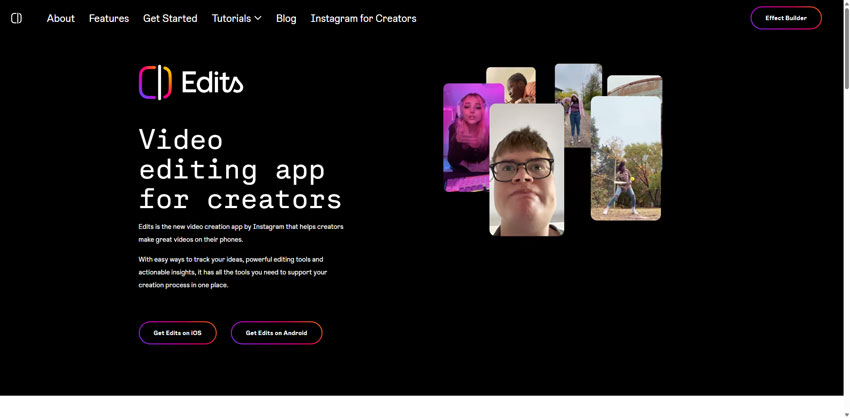
Instagram Edits is a video creation and editing application developed by Meta. It is designed for creators who primarily produce short-form content for Instagram and want an editing workflow closely connected to the platform.
The application provides tools for recording, editing, arranging clips, adding text, and working with captions. It also supports features such as storyboards and a teleprompter, which can be useful when preparing talking-head videos or educational content.
For instance, a fitness trainer can record multiple exercise demonstrations, arrange them into a short Reel, add captions, and prepare the final video for Instagram. A business owner can use the same workflow to create product demonstrations or explain services.
One advantage is that creators can work on their videos without relying entirely on a separate desktop editing application. Edits also supports direct sharing to Instagram and Facebook, with exports that do not add an editor watermark.
However, it is primarily an editing application rather than a complete text-to-video generator. You still need to prepare your footage, script, and creative concept.
Best for: Instagram creators, influencers, educators, and businesses that regularly record and publish their own videos.
Website Link – https://edits.instagram.com/
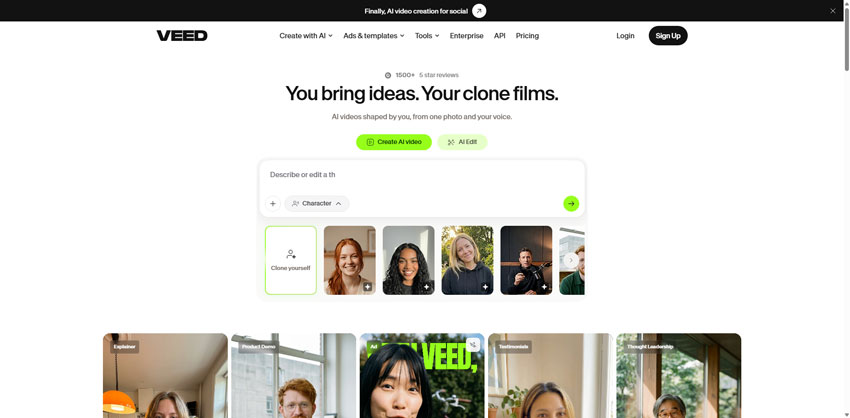
4. VEED
VEED is an online video editing platform that offers AI-powered features for creating and improving social media videos. It is particularly useful when you want to edit videos through a browser instead of installing complex editing software.
One of its useful capabilities is automatic subtitle generation. You can upload a video, generate subtitles, edit the text, and customize the appearance of captions. This is helpful for educational Reels, interviews, tutorials, and videos where viewers need to understand spoken information.
VEED also provides video editing, audio tools, translation-related features, and AI-assisted content workflows. Depending on the available plan, creators can use different features to improve video presentation and simplify editing.
For example, a marketing agency can upload a client’s recorded video, generate subtitles, remove unnecessary sections, and prepare a vertical version for Instagram. This can reduce the time spent on repetitive editing tasks.
The free plan has restrictions, and export quality, branding, and AI usage allowances can depend on the subscription. Review the current plan before using it for regular client production.
Best for: Content creators, marketing agencies, educators, and businesses that need browser-based video editing and automatic subtitles.
Website Link – https://www.veed.io/
5. OpusClip
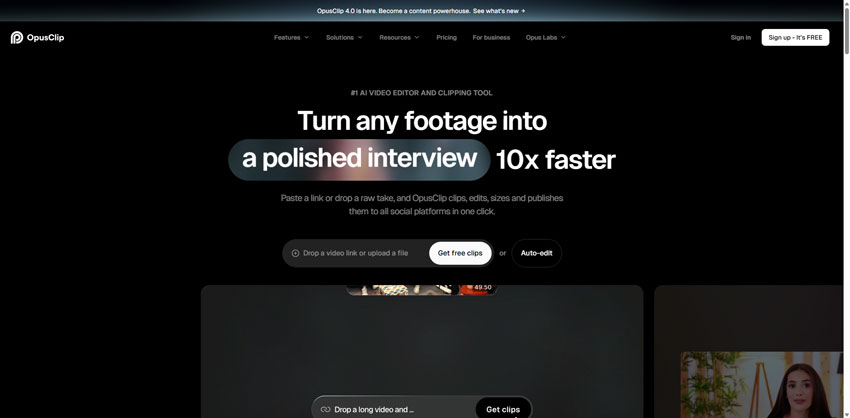
OpusClip is an AI-powered video repurposing platform designed to convert longer videos into shorter clips. It is especially useful for creators who already produce podcasts, webinars, interviews, educational sessions, or long-form YouTube videos.
Instead of manually watching an entire recording to identify interesting moments, you can upload a longer video and let the platform identify potential short clips. Its AI-assisted workflow can help select segments, reframe videos for vertical platforms, and add captions.
For example, a business coach who publishes a 30-minute educational video can use OpusClip to identify several short sections that may work as Instagram Reels. Each clip can focus on one tip, question, or important statement.
This approach helps businesses reuse existing content instead of producing every Reel from scratch. It is also useful for personal brands, consultants, trainers, and podcast creators who want to distribute their ideas across multiple social media platforms.
However, AI-selected clips are not always suitable for publication. Review the context, opening hook, ending, captions, and framing before exporting. Free usage and processing limits may vary by plan.
Best for: Podcasters, coaches, educators, YouTubers, and businesses repurposing long-form videos into short clips.
Website Link – https://www.opus.pro/
Why Businesses Have to Use AI Tools for Instagram Reel Creation in 2026
Instagram Reels have become an important content format for businesses looking to introduce their products, explain services, educate audiences, and build brand awareness.
However, producing videos regularly can be challenging when a business has limited time, resources, or editing experience. AI tools can help reduce the workload by supporting scripting, editing, subtitles, and video production.
Businesses can also experiment with different content formats, including customer FAQs, product demonstrations, educational tips, behind-the-scenes videos, and promotional campaigns.
The biggest benefit of AI is not simply producing more Reels; it is helping businesses create useful and consistent content while spending less time on repetitive production tasks.
How AI Tools Support SEO, AEO, AIO, and GEO
Instagram content can also contribute to a broader digital marketing strategy. Businesses can use AI tools to create videos that answer customer questions and communicate relevant information clearly.
- SEO (Search Engine Optimization): Use relevant topics and descriptive captions to help people discover useful content through search.
- AEO (Answer Engine Optimization): Create short videos that directly answer common questions about products, services, and industries.
- AIO (AI Optimization): Organize accurate information, captions, and context so AI-powered systems can better understand the content.
- GEO (Generative Engine Optimization): Publish informative, trustworthy content that supports your brand’s wider online presence and expertise.
AI-generated content does not guarantee higher reach, engagement, or search visibility. Original ideas, accurate information, audience relevance, and creative execution remain important.
FAQ
1. Which is the best AI tool for Instagram Reel creation in 2026?
The best tool depends on your requirements. InVideo AI is useful for generating videos from text prompts, Canva is suitable for branded content, and Instagram Edits is a practical choice for editing and publishing Instagram-focused videos.
2. Can I create Instagram Reels using AI without showing my face?
Yes. Tools such as InVideo AI can help create videos using stock footage, AI-generated visuals, scripts, and voiceovers. You can also use Canva to produce animated and text-based Reels without appearing on camera.
3. Are there free AI tools for creating Instagram Reels?
Yes. Instagram Edits offers free video editing, while Canva and other platforms provide free access with feature or usage restrictions. Always check export limits, watermarks, and premium feature requirements.
4. Can AI automatically add subtitles to Instagram Reels?
Yes. Platforms such as VEED and Instagram Edits provide caption-related features. Automatic subtitles can save editing time, but you should review spelling, punctuation, and transcription accuracy before publishing.
5. Can AI tools generate complete Instagram Reels from text?
Yes. Some AI video platforms, including InVideo AI, can turn written prompts into video drafts with scripts, visuals, and voiceovers. You should still review and customize the result to ensure it matches your brand and audience.
Conclusion
AI tools are making Instagram Reel creation more accessible to individuals and businesses in 2026. InVideo AI is useful for generating videos from prompts, Canva helps create branded content, Instagram Edits supports Instagram-focused editing, VEED simplifies browser-based video production, and OpusClip makes it easier to repurpose longer recordings.
You do not need all five tools to build an effective content workflow. Choose the tools that solve your biggest production challenges and use them to improve the quality and consistency of your videos.
Combine AI-powered editing with original ideas, strong opening hooks, clear storytelling, and relevant visuals to create Instagram Reels that provide genuine value to your audience.